Process
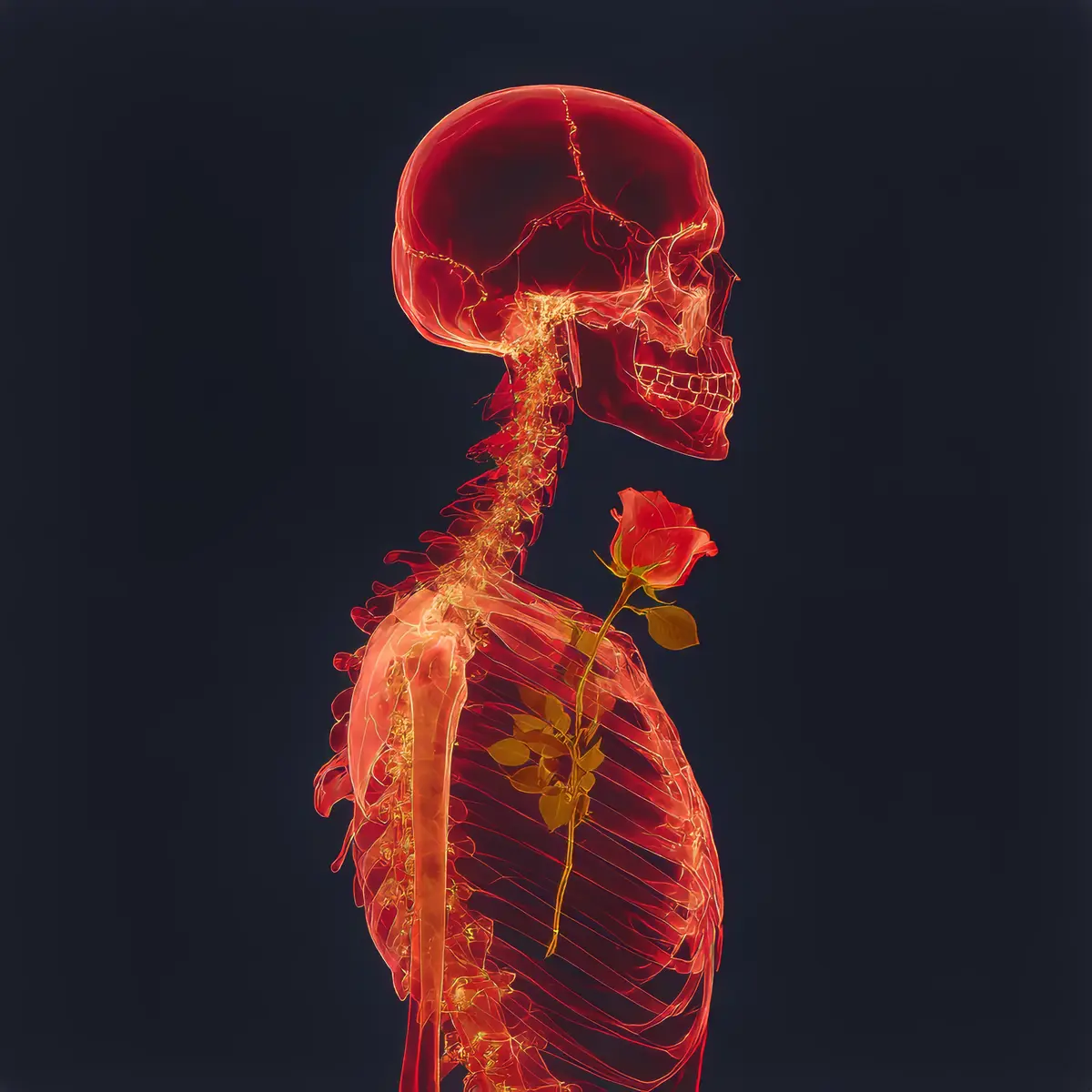
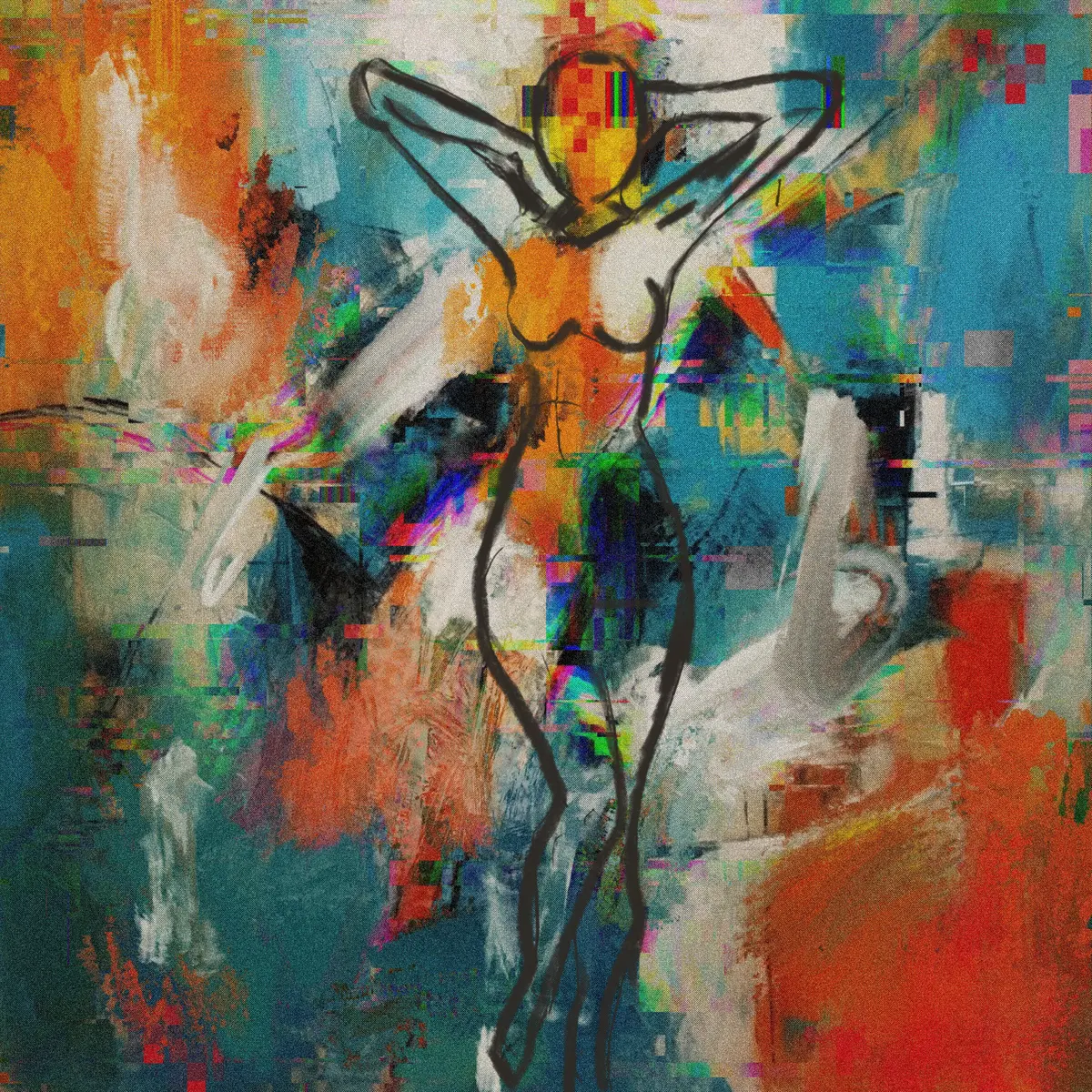
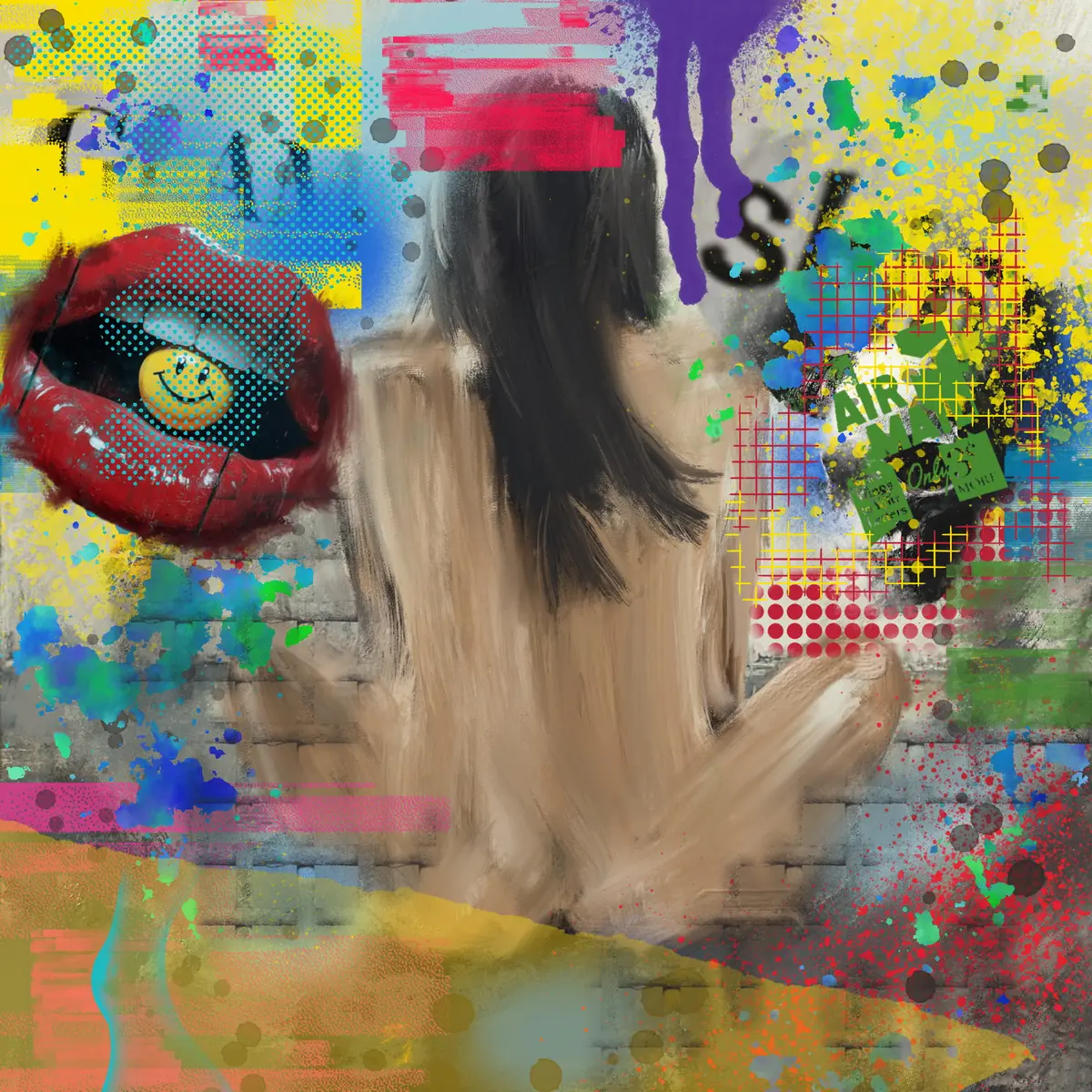
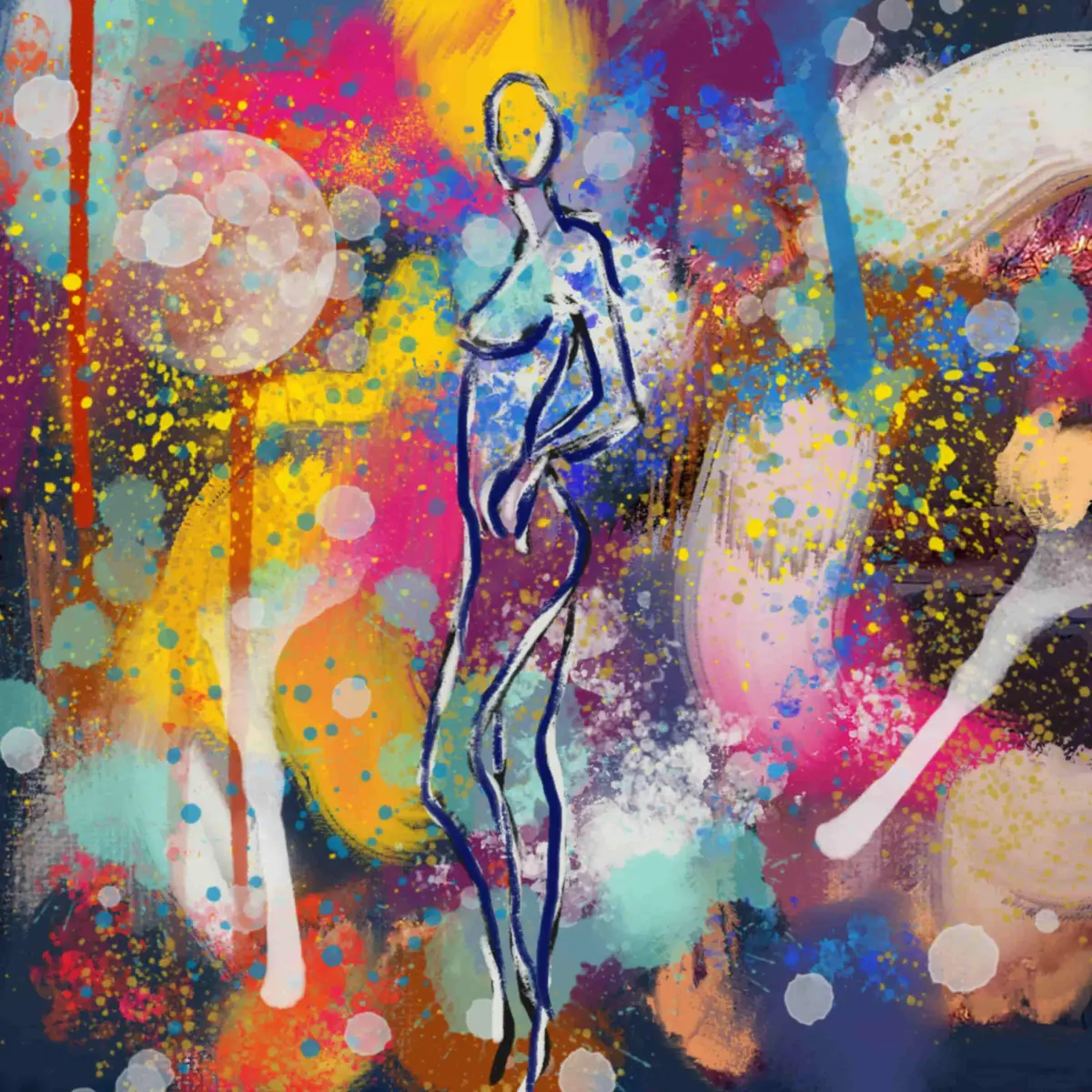
People often ask how I make my glitch animations, so here's a look at how I work.
AI and other new tools have changed my workflow a lot. There are now many AI imaging and animation tools that help me get close to the look I want. I use them as a starting point and then experiment until the piece looks exactly right.
Mosh-Pro is one of my favourites. It's a fantastic tool for glitching both animations and still pieces. Once I'm happy with the look, I run everything through Topaz Video to upscale it so the final result is clean and sharp.
One of the newest tools I use is Loopee Studio, which has become important as I move away from After Effects. Mosh-Pro and AI tools often leave a jarring jump at the end of a clip, and that can be frustrating. I want my videos to loop seamlessly and fade in smoothly, and Loopee now does that with one click. I can also use it to change the bitrate, frame rate and length, and to upscale clips or convert them to GIFs.